Get the AI Video Pipeline Guide
The free guide to the AI video pipeline I run every week, second edition: one livestream in, a week of publishable clips out, plus the automatic checks that keep it reliable.
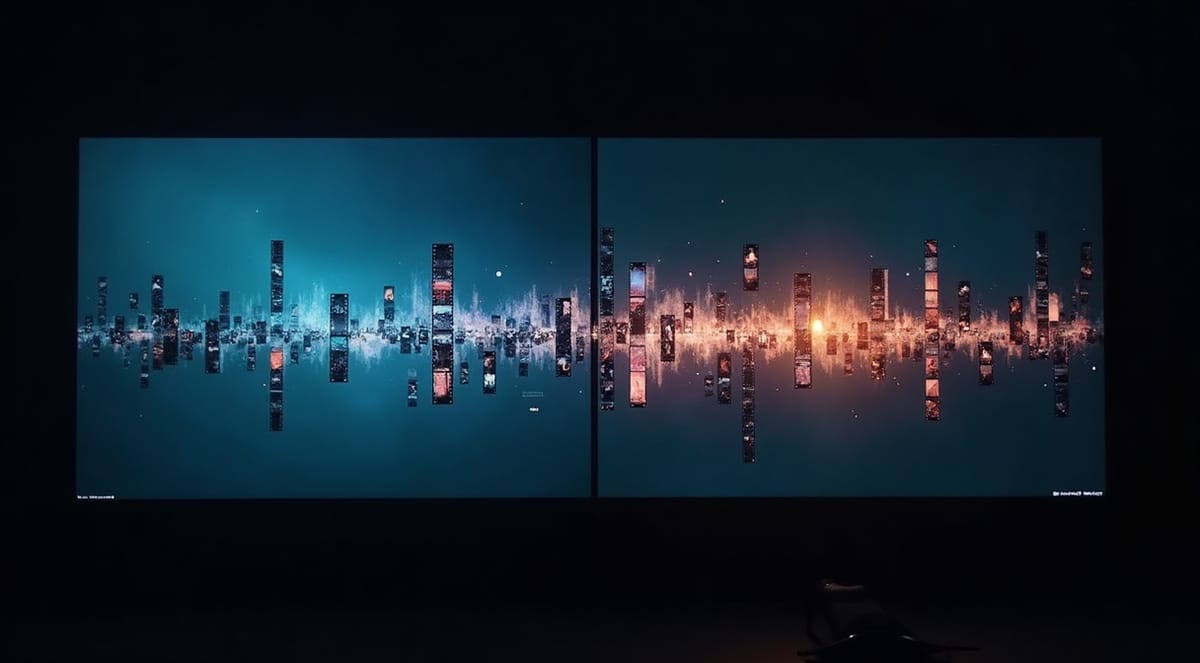
How I turn one livestream into a week of shorts, automatically
A free 14-page guide (second edition, November 2026) to the local AI pipeline I built to cut, transcribe, and clip long-form video, so I stop spending Monday nights re-watching my own show looking for the good parts.
Check your inbox: click the link in the email to get the guide.
Something went wrong. Try again, or email phil@philtaul.com.
Free PDF. No spam. Unsubscribe with one click.
Built and run on my own hardware, not a subscription tool that quietly changes its pricing. The same pipeline produces the shorts for a weekly local news and community show, every week. The stack is Python, FFmpeg, faster-whisper, and an LLM for clip discovery: nothing here needs a SaaS account.
What's inside
The guide walks through the actual pipeline, not the theory of it:
- What broke in the first version, and the fixes that made it reliable
- The exact transcription setup (faster-whisper, local GPU, no API costs per minute)
- How the LLM picks which 30 seconds of a 45-minute stream are worth clipping
- The auto-vertical-crop step that turns a horizontal stream into a Shorts-ready file
- Where this pipeline breaks (and what I still do by hand)
- The automatic checks that stop a bad edit before anyone sees it
- The stage order and work-folder layout, so you can build your own version
Who this is for
- You livestream, podcast, or produce a local show and post highlights afterward
- You're tired of paying per-minute for auto-clip tools that don't understand your content
- You have a GPU sitting mostly idle and don't mind a terminal
Who this probably isn't for
- You want a no-install, click-a-button SaaS tool (there are good ones, this isn't that)
- You post once a month and the volume doesn't justify the setup time
About me
I'm Phil Taul. I do AI integration consulting and produce a weekly local media show. I built this pipeline because paying per-clip for a service didn't scale with a weekly show, and I wanted the whole thing to run on hardware I already own. The system is in a small private beta. If you run a show and want to try it on your own hardware, email phil@philtaul.com.
Questions people ask
Do I need a powerful GPU? The guide includes the minimum spec that works, and what changes if you're running a smaller card.
Is this the same as the cloud clip tools? No. Those tools are faster to start with and cost per minute. This pipeline costs setup time up front and nothing per clip after that.
Can I get the code? Not publicly yet. I'm running a small private beta for creators who want to run it on their own hardware. Email phil@philtaul.com with a line about your show and your setup.
Get the pipeline guide
Check your inbox: click the link in the email to get the guide.
Something went wrong. Try again, or email phil@philtaul.com.