What changed in my video pipeline since July
In July I wrote a guide to the AI pipeline that edits my weekly shows. Four months and 100 code changes later, the biggest change is not a feature. It is where the humans sit.

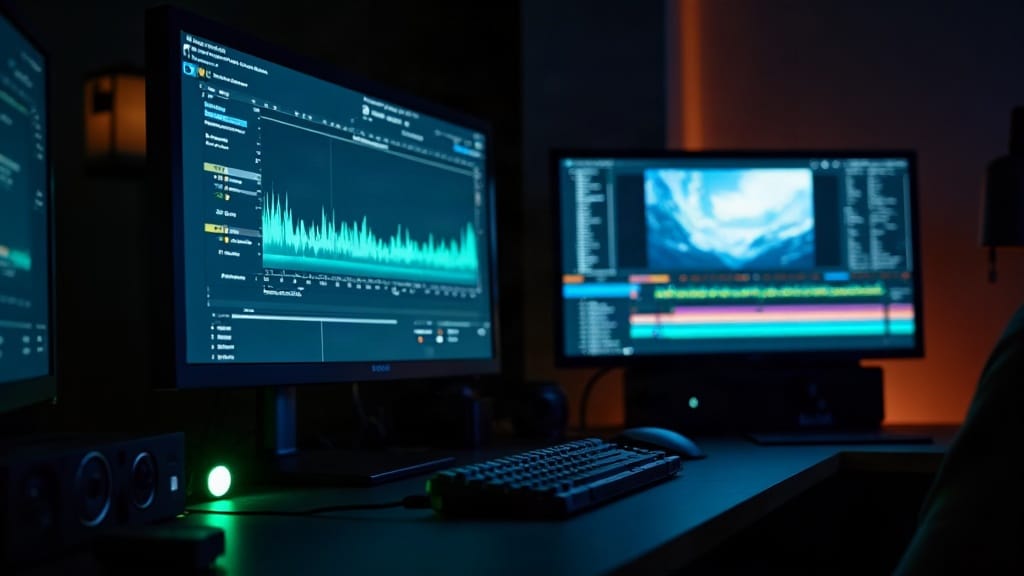
In July I published a guide to the pipeline that turns a raw livestream recording into a finished episode: trimmed, transcribed, corrected, cut into chapters and shorts, and staged for every platform. Last week I put out the second edition. Here is what changed, and why most of it is about checking, not editing.
The old rule, and why it broke
The first version had a simple principle: pause for a human at the trim, the corrections, the chapters, and publishing. Four stops per episode, every episode.
That sounds safe. In practice it meant the pipeline sat idle waiting on me for things a machine could check better than I could, and I rubber-stamped things I should have looked at harder.
The new rule is shorter: AI proposes, machines gate, humans approve anything outward.
- The AI picks the trim now, and tells me what it picked after. If it is wrong, I fix it. That is cheaper than having the whole pipeline wait on me.
- Chapters are applied by default.
- Anything that leaves the building, a published video or a post, still needs my yes.
The checks that replaced me
An audio gate. Every render is measured for loudness, peak level, and left-right balance before anything moves on. Then it caught me out. A limiter I had trusted for six weeks was quietly clipping loud syllables, and a later step pulled the levels back into range, so the damaged files actually measured safer than normal. All five checks passed every bad render. I heard it on a published video. The fix was a different limiter plus two new checks that look for the damage itself, not only the numbers it leaves behind.
A content hard stop. Before the expensive render step, the pipeline refuses to continue if corrections were not applied, a word that should be bleeped was not, or the wrong show's colors loaded. Catching that before the render is free. Catching it after means rendering the whole thing again.
A join checker for hand edits. When I cut something out by hand, a verifier checks every join so a cut can't leave a click, a jump, or a half word.
Quieter filler removal. The "um" remover now only cuts inside measured silence and fades every join. The first version was faster and sounded worse.
A timeline guard on shorts. A short can't be rendered from a clip that runs past the end of the episode, or from a different master file than the one the clips were picked from. Both happened once.
What I measure now
Every stage writes its start, end, and result to a production ledger, and every decision I am asked to make is logged with when it was asked and when I answered.
That gives me one honest number for this post: decisions asked of me per weekly episode. For a mid-September episode it was 20. For the last one in October it was 3. The weeks in between went 6, 11, 7, 7, 10, 4, so it is not a straight line, but the direction is clear.
I am not going to quote a "minutes of human time per episode" figure. The ledger records when stages ran, not how long I spent looking at them, and I'd rather give you one real number than two guesses.
What I retired
Watched-folder auto-publishing is gone. Dropping a file in a folder and having a machine upload it felt like magic until it published something nobody had looked at. Publishing now goes through a posting service plus a finish step that checks titles, descriptions, and captions against the rules before anything goes out.
What this means for your business
If you are automating a creative process, the instinct is to automate the making and keep humans on the checking. I found the opposite works better. Let the AI make the calls that are cheap to fix, let machines run the checks they are better at than people, and spend human attention on the one thing that is expensive to undo: what the public sees.
The second edition of the guide covers all of this. It is free with your email at philtaul.com/guide. The pipeline itself is in a small private beta. If you run a show and want to try it on your own hardware, email phil@philtaul.com. If you want this kind of thinking applied to your own workflow, get in touch.